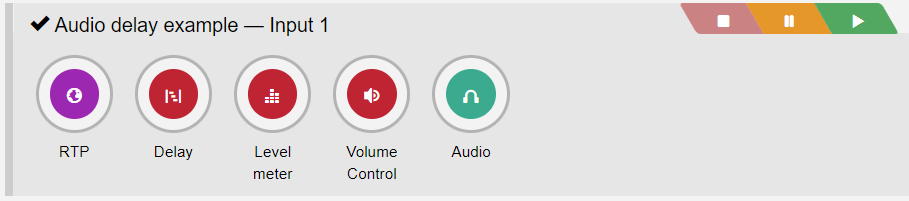
This widget allows the user to adjust the audio delay setting of a PIPE dynamically via a fader (in seconds). This is useful to adjust delay for audio/video syncing during live events.
| ! | Delay element required |
| By default, the Delay widget only displays the audio delay settings of PIPEs with a Delay element included. |
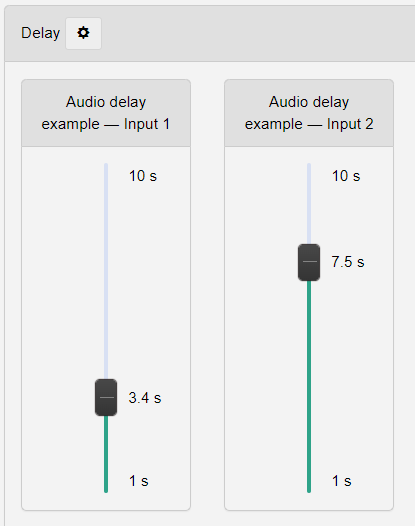
| See here for options available when you click on the cog icon in the header of the widget. | |
| Element | Description |
| Max delay in s | Sets the highest possible delay (in seconds) that can be configured via the fader. This defines the upper bound of the scale. |
| Min delay in s | Sets the lowest possible delay (in seconds) that can be configured via the fader. This defines the lower bound of the scale. |
| Show non-playing Pipes | Toggles whether PIPEs not set to playing but including a Delay element are shown ("On") or not ("Off"). |